

How Editorial Skills Help You Master AI—and Sound Human
Trying to make AI draft a post for you, and the output feels off? You don’t need a prompt-engineering course—but to think like an editor. Let’s break down what it means.
 Daria Skorospelova
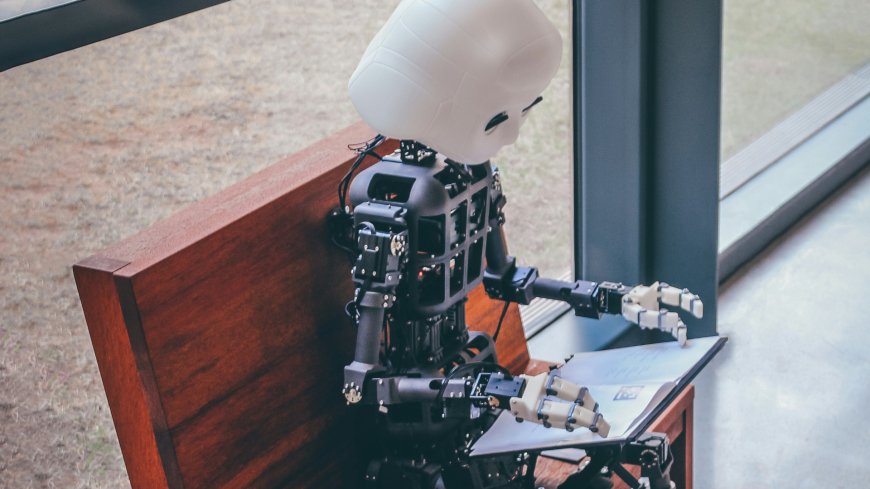
Imagine working with a new colleague. You need to onboard them. Teach the basics and cultural hints your team employs (sometimes it includes weeks of meme-sharing on Slack).
Discuss goals and set expectations. Like, things go like that in most teams.
In the editorial room, things went exactly as in human-AI interactions—for many years. When ChatGPT appeared, we just found out we were doing the same job we used to do—but with a robot on the other end.
AI is a strong writing assistant, but like a junior colleague, it only works with proper direction. Editorial thinking gives exactly the structure you need to tune it, and turns AI from a guessing machine into a sensible partner.
1. Onboarding first
Help your new writing assistant learn what your brand is about. Is there a tone of voice? Who are the ICPs or readers? Here are some basics to share:
-
Describe your company/brand/outlet.
-
Define mission, vision, ICP parameters, or audience demographics.
-
Set the tone of voice: if you have the brand style guide or editorial policy, feed it into the thread; if not—it’s time to define how you want and how you don’t want to sound.
-
Provide good examples of existing writing in different formats, as well as other quality pieces you like.
2. Start with a clear brief
Your prompt is a brief you would give a junior writer. The quality of your input defines the quality of your output. If your instructions are vague, the result will be, too.
“Write a post about marketing trends” will always sound generic.
Instead, clearly explain your ‘whys’ by providing this info:
-
Audience and context
-
Goal of the text (What’s this text for? What problem does it solve?)
-
Tone specifications & guidelines (e.g., “Avoid unnecessary epithets,” “Be concise, precise and up-to-the-point”)
-
Distribution channel/publication platform
-
Format, structure, and length
-
Key ideas or examples
Tip: Keep your writing pieces in a single GPT thread or Gem per client/company/outlet, trained and tuned to your style, tone, formats, and channels you use.
 Photo by Kelly Sikkema / Unsplash
3. Edit in passes
AI content improves when edited step by step. Be patient. Trying to fix tone, logic, and structure in one go doesn’t work.
Work in short passes:
-
Structure and logic
-
Flow and clarity
-
Tone and voice
-
Fact-checking
-
Proofreading
This approach mirrors a classic editing routine—one focus per round.
Tip: Keep a cheat sheet handy with standard prompts for each phase to speed up the process.
4. Give specific feedback
General feedback like “this is all bad, make it better” or “sound more human” brings confusion. AI—as well as human colleagues—responds well to direct, concrete instructions. Be precise:
-
Flag what sentences you want to shorten and why
-
What phrases feel off or still sound robotic
-
Point out clichés, and explain why you don’t need them
-
Add more examples to back up specific edits
Treat it like editing notes for a junior writer. And stay warm and polite (yes!)—learning takes time.
5. Be patient and persistent
-
AI will bring some patterns back again—your job is to explain, consistently, why you do not need them.
-
You HAVE TO double-check all links and facts yourself. If you ask AI to check, especially for a large amount of text, the results may disappoint you.
-
The best way is always to draft it yourself—and polish with AI. However, if you’re not into writing, AI can be a helpful assistant in the first draft, too—over time.
Tip: Add prompt lines like “don’t suggest changes just for the sake of it” or “don’t try to keep the same length in the bullet points,” to prevent some of the most annoying patterns.
 Photo by Brett Jordan / Unsplash
TL;DR: Workflow to start tuning your AI assistant if you’re not into writing
In a few steps:
-
Feed all the strategic points, tone of voice, mission, ICPs, writing samples, and any relevant documents to the AI thread. Clearly describe what it is, and what you want to use this thread for.
-
Draft the idea of the text in your own words.
-
Brief AI like a junior writer—explain what to do and what not to do, what’s the goal, and where you’re going to publish it. Provide examples.
-
Edit in passes (including fact-checking!)
-
Final (attentive!) read as a human.
The truth is (and you may not like it)—you actually still need a human for really good writing. Because, as you could see, AI can help—but only if you know how to use it properly and understand what good copy looks like, what the differences across formats are, and how to navigate your AI assistant in the right direction.
Remember: humans are the ones who define direction. You cannot outsource your responsibility for quality.